An SLA clock that doesn't lie.
Set business calendars, exclude configured holidays, and warn your team before a deadline becomes a breach. Ticaga keeps every SLA clock tied to the way your support team actually works.
Built into the ticket view, not bolted on beside it.
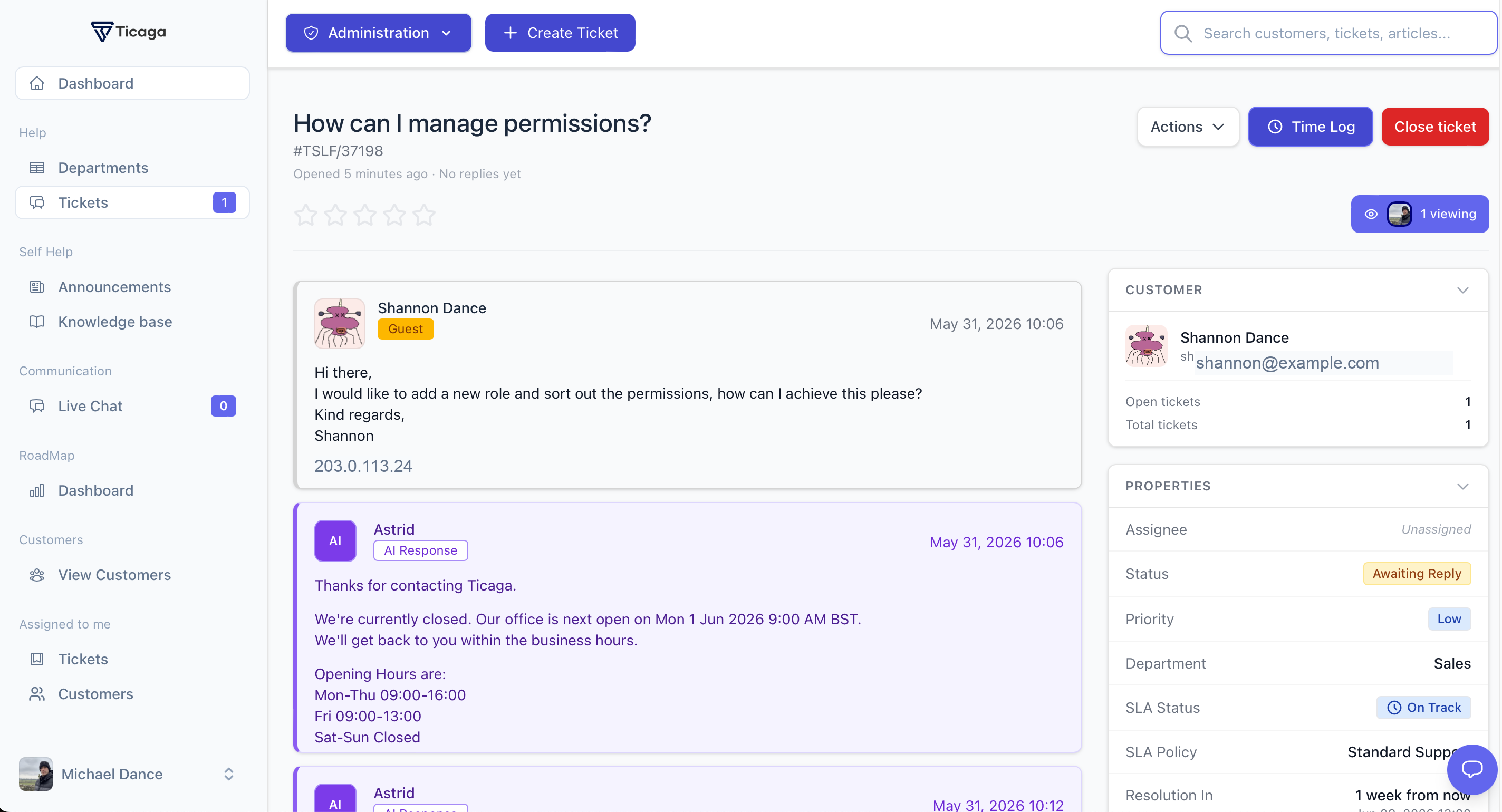
SLA Tracking is part of Ticaga's core ticket workflow. Operators see the current SLA status, matched policy, and resolution target where they already work: inside the ticket sidebar.
Three clocks.
One clear answer.
Track the initial response, the next operator reply after every customer message, and the final resolution. Each active clock stays visible on the ticket so the team knows what needs attention next.
- First-response and resolution targets on every tracked ticket
- Optional next-reply target reset after each customer response
- Automatically pause while awaiting the customer
- Resume deadlines when the customer replies
Technical · high priority1h response
8h resolution
Technical · medium priority4h response
3d resolution
Fallback policy · all departments1d response
5d resolution
Match the policy.
Count the right hours.
Apply policies by department and priority, then choose whether each deadline runs continuously or only inside a business calendar. When Client Groups is installed, a group can select its own SLA policy override.
- Department and priority policy matching
- Default fallback policy when no specific match exists
- Business calendars with timezone-aware working hours
- One-off, recurring, and global holidays
Tell us before we miss it.
Create escalation rules for first-response and resolution deadlines. When a monitored warning threshold is reached, Ticaga can notify a channel, queue a signed webhook delivery, and update the ticket automatically.
- Rules for first-response and resolution SLA warnings
- Post alerts to Slack or Discord webhook destinations
- Queue signed webhook deliveries (HMAC-SHA256)
- Raise priority, reassign to a manager, or add an internal note
→ queue signed webhook delivery
→ increase priority to high
→ add internal note to ticket
Trust your SLA again.
See the whole picture.
Track compliance trends, department performance, employee results, priorities, and breach reasons from one self-hosted SLA dashboard.