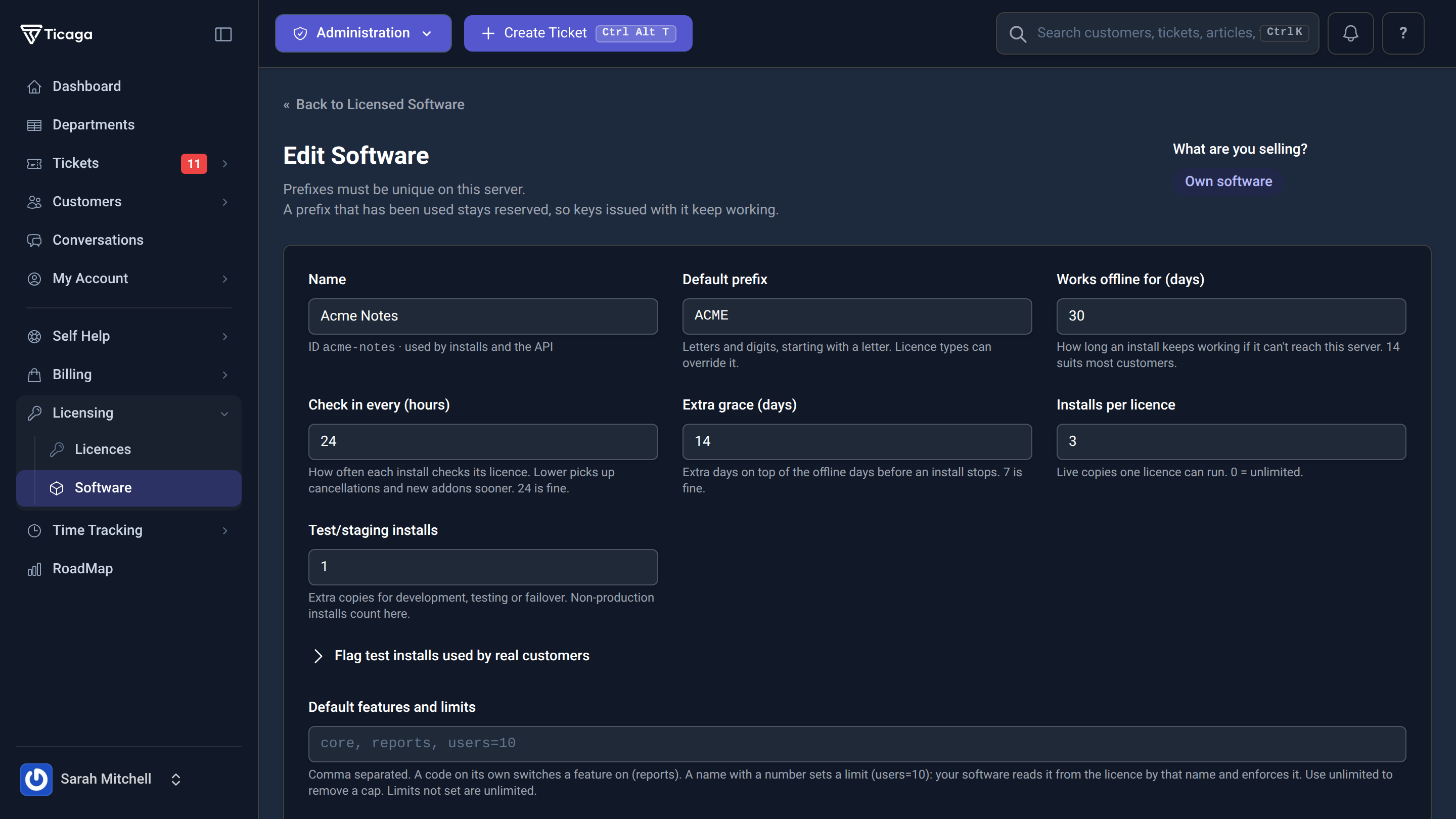
Set the terms.
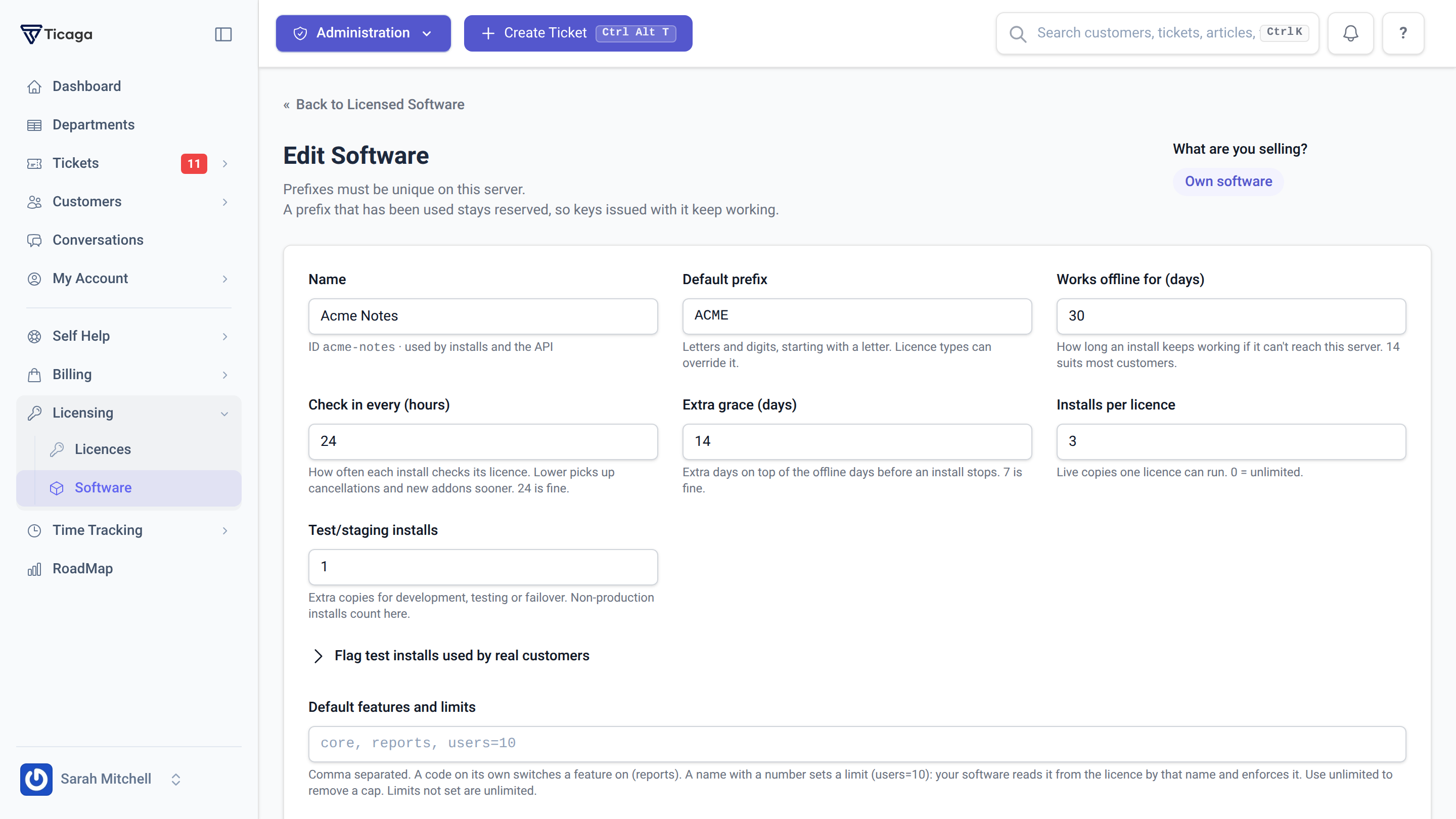
Create licence types, issue keys, define feature entitlements, and set production and staging install allowances for your own applications.
License software you build, or resell digital keys from other vendors. Manage licences, activations, trials and key stock inside Ticaga, then connect Billing to turn paid orders into delivered licences.
Create licence types, issue keys, define feature entitlements, and set production and staging install allowances for your own applications.
Import vendor keys, track available and sold stock, and assign a key to each licence. Low-stock alerts help you know when to replenish.
Link a Billing product to a licence type. Paid orders issue licences or grant add-ons, with renewal dates carried through to licence access.
Choose how your software is licensed, from recurring terms to perpetual access. Your application uses the Licensing API and verifies signed tokens to enforce the features you define.
Sell third-party digital keys from a managed stock pool. Ticaga records which customer received each key, while staff can handle replacements and stock changes from the same workspace.
Choose the licence type or add-on a Billing product grants. A confirmed payment issues the licence; recurring purchases keep its expiry in step with the paid-until date and configured grace period.

Licensing is an optional paid extension for an active Ticaga installation.
For your own software, integrate the Licensing API and token verification into your application. For vendor keys, load your stock and connect the licence type to a Billing product to sell it.
Explore the Billing extension →
Prices in GBP, excluding VAT where applicable. Your Ticaga help desk licence is separate.
Bring licence management, digital key fulfilment and customer support into the same installation.